Tablets & E-readers
Tablets & E-Readers Buyer's Guide: E-Ink Carta 1200 vs Kaleido 3, Wacom EMR Stylus & Eye Ergonomics
Modern tablet computers and dedicated digital e-readers optimize focused literary immersion, scholarly research, paperless handwriting, and high-performance mobile computing. This technical buyer's guide breaks down reflective E-Ink Carta 1200 versus color Kaleido 3 e-paper physics, zero-blue-light frontlight CCT arrays, battery-free Wacom EMR digitizers (4,096 pressure levels), and open Android OS ecosystems versus 120Hz multimedia slate hardware.
Read Buyer's GuideShow less
Display Topologies: E-Ink Carta vs Color Kaleido 3 vs OLED
Monochrome E-Ink Carta 1200 & 1300 Panels (300 PPI)Reflective micro-capsule electrophoretic displays mirror physical paper typography, delivering razor-sharp text contrast, 25% faster page turns, and total sunlight legibility.
Color E-Paper E-Ink Kaleido 3 (4,096 Gamut Colors)Interleaves 300 PPI black-and-white text with a 150 PPI RGB color filter array, ideal for reading graphic novels, textbooks, technical diagrams, and medical journals.
120Hz OLED & High-Refresh IPS Multimedia PanelsDelivers rapid touch responsiveness, fluid app animations, vibrant DCI-P3 color gamuts, and HDR10+ video streaming without electronic ink ghosting artifacts.
Etched Anti-Glare Glass with Paper-Like Surface FrictionMicro-textured glass layers eliminate blinding outdoor mirror reflections while imparting authentic mechanical stylus drag mimicking fine paper tooth.
Illumination Physics, Ocular Health & Multi-Week Autonomy
Dual-Spectrum CCT Frontlight Arrays (No Direct Eye Emission)LEDs bounce light across the face of the display rather than projecting directly into the user's retina; amber warm tuning eradicates melatonin-suppressing blue light.
Ultra-Extended Battery Runtimes on Bistable E-PaperBecause electrophoretic displays draw zero electrical current while displaying a static page, e-readers provide 4 to 8 weeks of daily reading per charge.
Flicker-Free Direct Current (DC) Dimming RegulationEliminates high-frequency Pulse-Width Modulation (PWM) strobing at low brightness, safeguarding retinas from fatigue and tension headaches during midnight reading.
TÜV Rheinland Certified Paper-Equivalent ErgonomicsReflected ambient light causes zero ocular desiccation or digital eye strain, making e-paper platforms superior for sustained scholarly document review.
Stylus Digitizers (Wacom EMR), Operating Systems & Formats
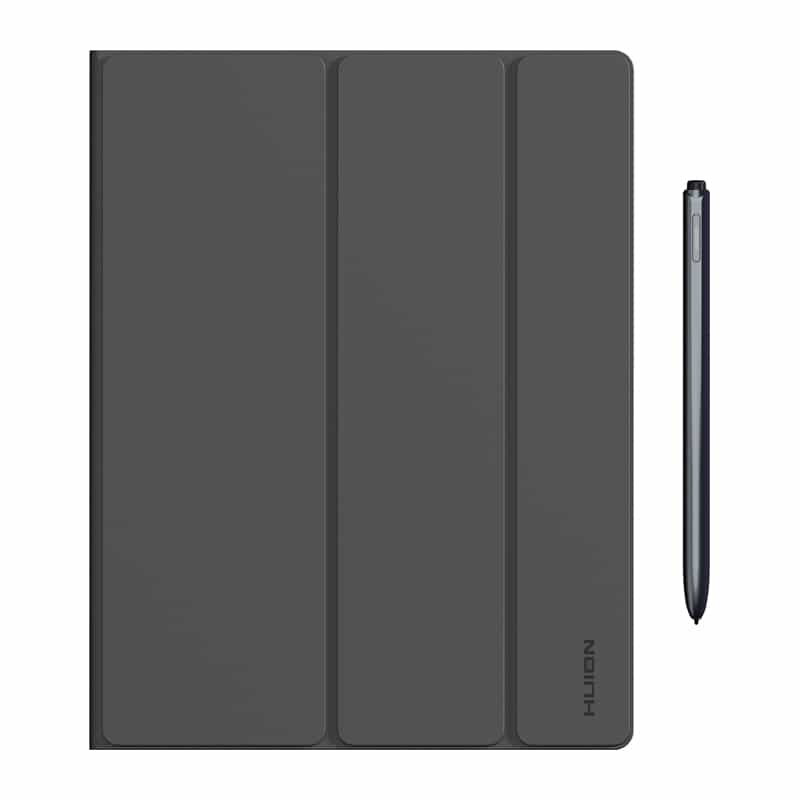
Battery-Free Wacom EMR (Electro-Magnetic Resonance) StylusPowered wirelessly via inductive substrate loops; delivers 4,096 levels of pressure sensitivity, tilt recognition, and flawless palm rejection without charging.
Open Android OS Architecture with Google Play AccessEnables uninhibited installation of preferred literary, comic, and audiobook platforms (Kindle, Kobo, Storytel, Libby, Moon+ Reader) without closed walled gardens.
Universal Native Format Compatibility (EPUB, PDF, CBR, DJVU)Seamlessly parses complex academic manuscripts, allowing users to annotate margins, highlight text, and export handwritten vector notes to cloud storage.
Desktop Windowing & Productivity Multitasking (DeX Mode)Transforms high-performance tablets into lightweight road-warrior laptops via split-screen multi-windowing, physical keyboard docks, and external display output.
Frequently Asked Questions About Tablets & E-Readers
Why should you choose a dedicated E-Ink e-reader over a standard tablet for reading?
Standard multimedia tablets (like iPads or Android slates) shine high-intensity light and blue-frequency spikes directly into the user's eyes, inducing rapid optical fatigue, dry-eye syndrome, and disrupted sleep cycles. Furthermore, glass screens reflect harsh glare under sunlight, and batteries deplete in under 10 hours. An E-Ink e-reader utilizes reflective ambient light just like printed book paper: it produces zero eye strain, reads crisply in direct blinding sunlight, and operates for over a month on a single battery charge.
What is the concrete difference between monochrome E-Ink Carta and color Kaleido 3?
E-Ink Carta 1200 represents the pinnacle of black-and-white typographic rendering: the page background is brighter and the 300 PPI black text offers unmatched contrast for narrative reading. E-Ink Kaleido 3 incorporates a microscopic color filter layer capable of rendering 4,096 colors at 150 PPI while preserving 300 PPI for black text. It is indispensable for illustrated magazines, comics, and textbook graphs, although its base unlit page background appears slightly grayer than a pure Carta panel.
What makes Wacom EMR stylus technology superior for digital note-taking?
Wacom EMR (Electro-Magnetic Resonance) functions via an inductive sensor array built beneath the screen that wirelessly energizes the stylus tip. The pen contains no battery, never requires recharging, needs no Bluetooth pairing, and weighs as little as a real pencil. Furthermore, hardware-level palm rejection allows users to rest their hand directly on the screen while sketching or handwriting without accidental touch inputs.
Can you load your own eBooks and PDF files directly onto an e-reader without vendor locks?
Yes. Open-platform e-readers (such as Onyx Boox and PocketBook) mount as standard mass storage drives when connected to a computer via USB-C, allowing users to drag and drop EPUB, PDF, CBZ, and MOBI files directly into internal memory. They also support wireless sideloading via local Wi-Fi transfer, cloud storage synchronization (Google Drive, Dropbox), or free library tools like Calibre.