Cases
PC Case Buyer's Guide: Form Factors, Airflow, and Compatibility
A PC case protects internal hardware against mechanical impact, directs airflow for component cooling, and dampens acoustic noise. Selecting the right chassis requires matching motherboard dimensions, graphics card length, and radiator mounting spots.
Read Buyer's GuideShow less
Form Factors & Motherboard Standards
Mini-ITX (SFF)Ultra-compact form factor for desks or living room setups. Often requires an SFX power supply and low-profile air cooling or a compact 120/240mm AIO liquid cooler.
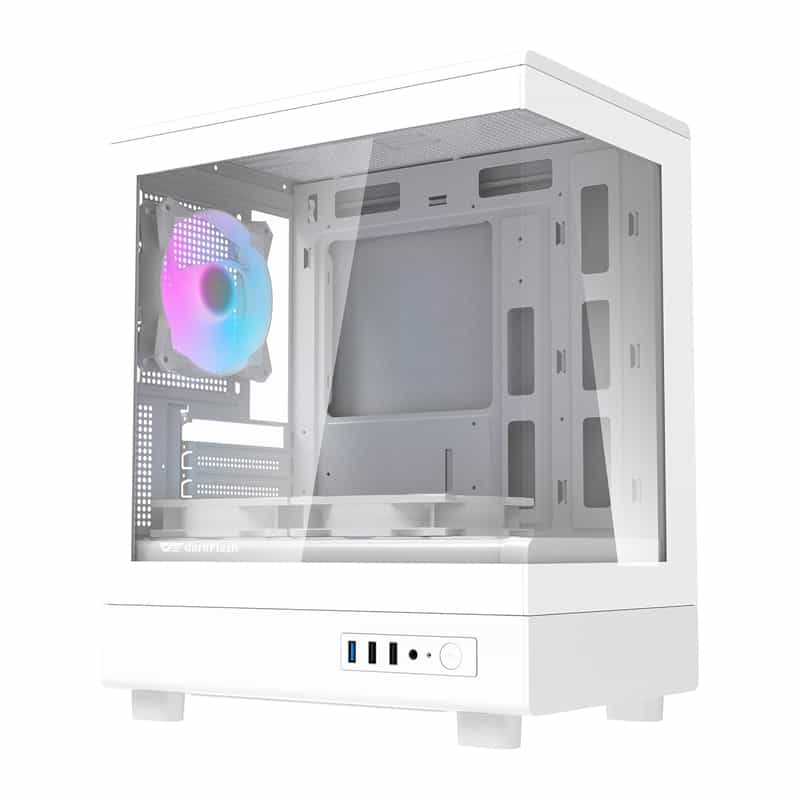
Micro-ATX (Mini-Tower)A balanced compromise between footprint and expandability. Accommodates standard ATX power supplies, most graphics cards up to 330mm, and 240/280mm radiators.
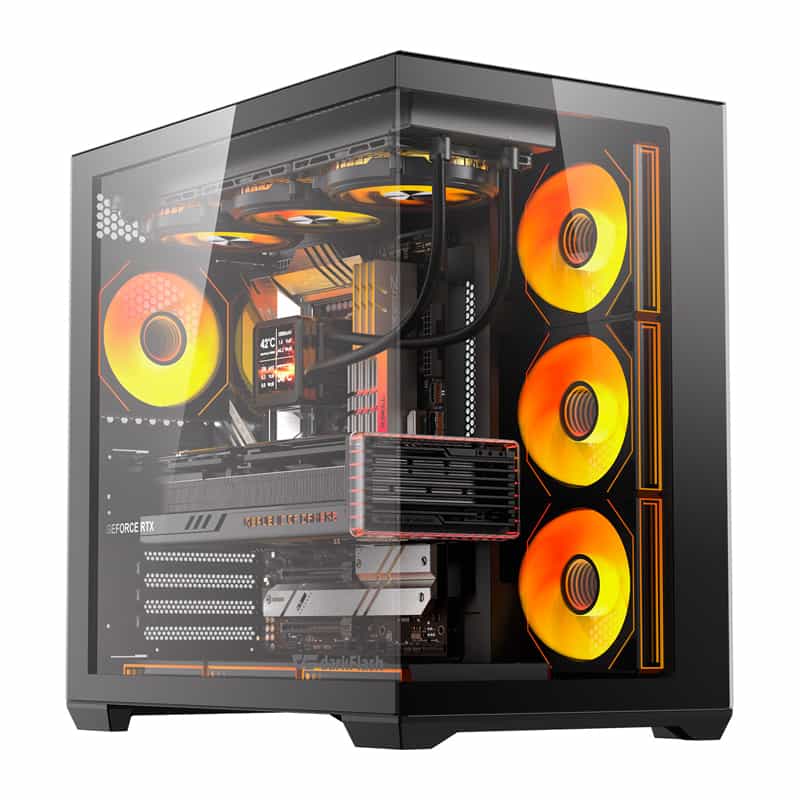
ATX (Midi-Tower)The industry standard for gaming and workstation builds. Supports full-size ATX motherboards, up to 360mm liquid cooling radiators, and triple-fan graphics cards.
E-ATX / Full-TowerSpacious enclosures engineered for multi-GPU setups, high-drive-count storage servers, and complex custom liquid cooling loops requiring multiple thick radiators.
Airflow, Ventilation & Dust Defense
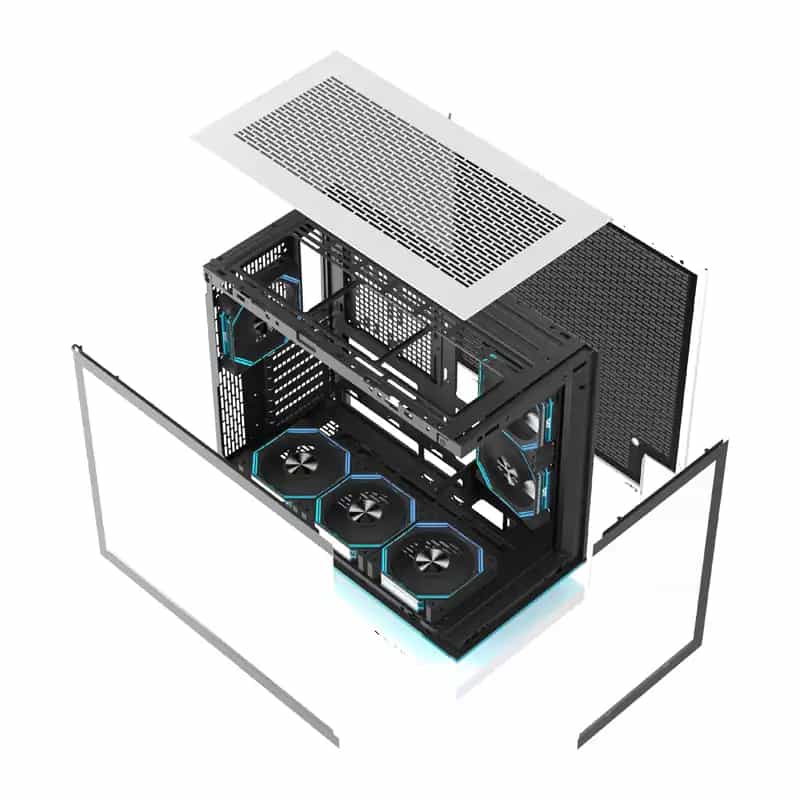
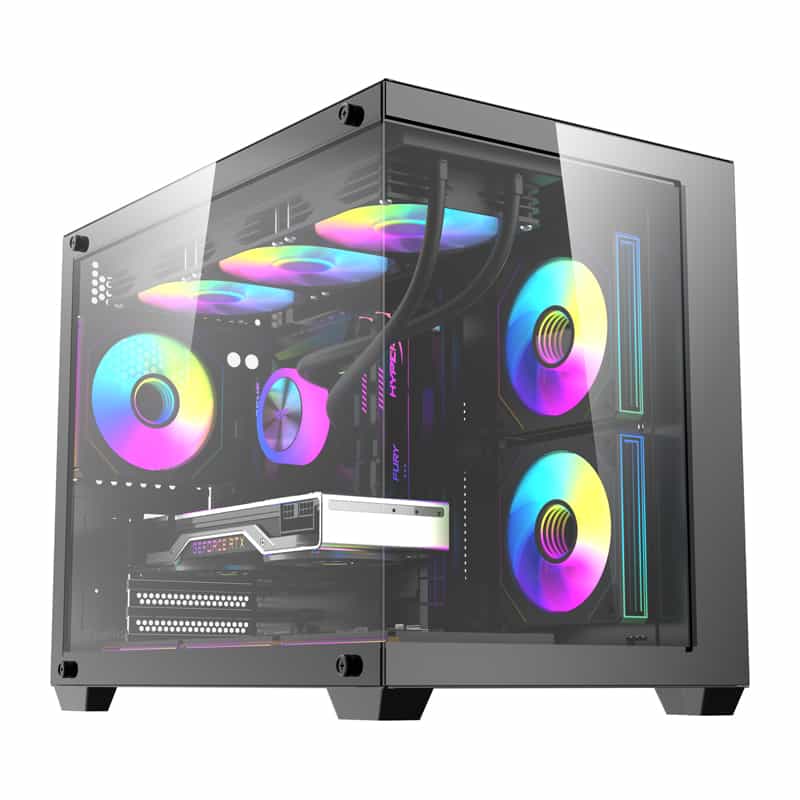
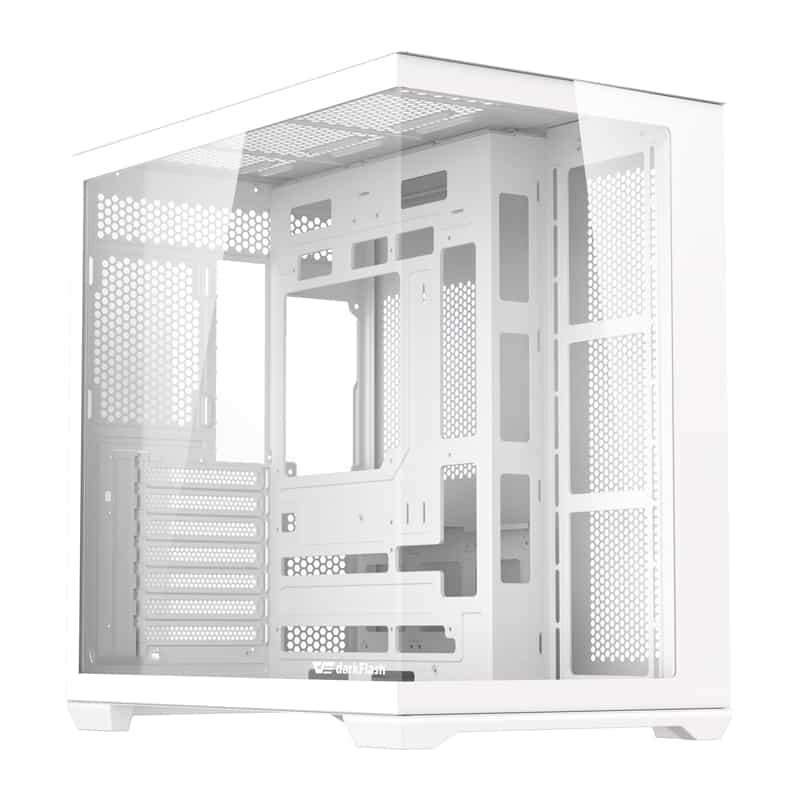
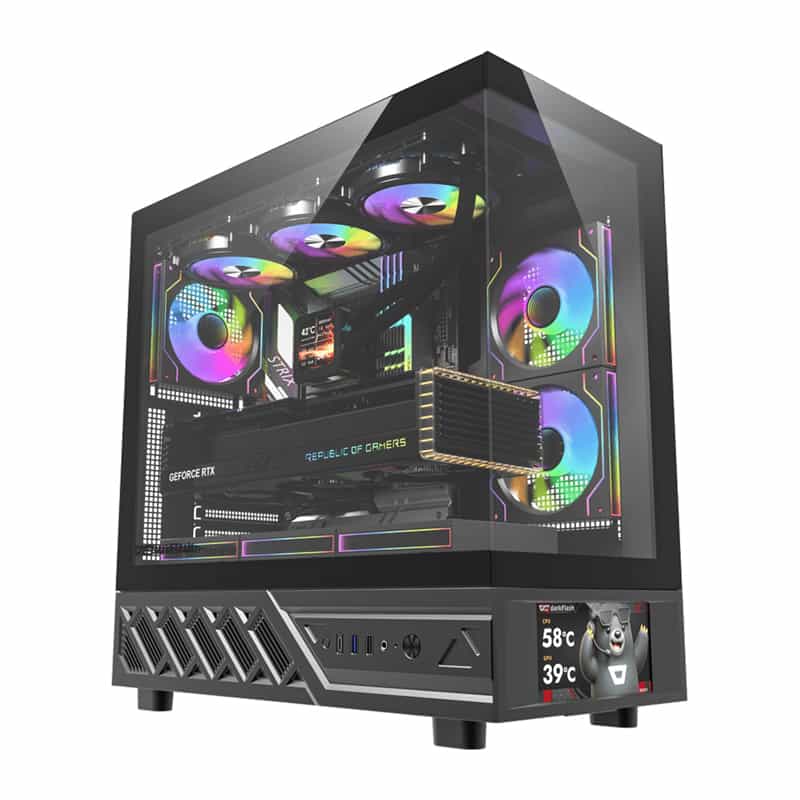
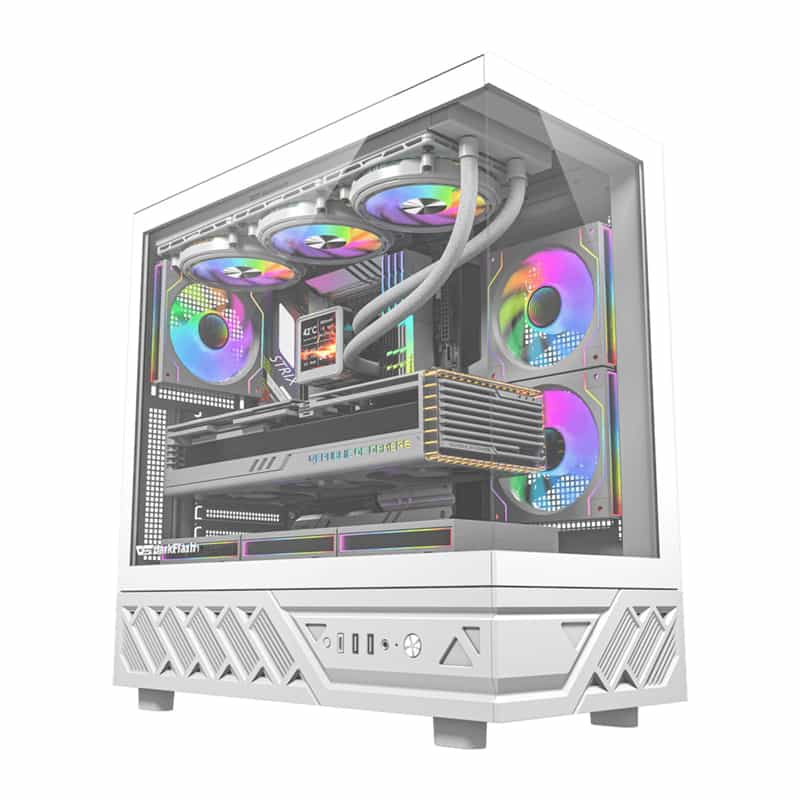
Front Panel ConstructionPerforated mesh front panels deliver unrestricted airflow and lowest operating temperatures. Tempered glass panels offer clean aesthetics and dampen fan acoustics, requiring generous side ventilation channels.
Air Pressure DynamicsPositive air pressure (intake fan volume exceeds exhaust) pushes air outwards through unsealed gaps, preventing unfiltered dust accumulation.
Dust FiltrationRemovable magnetic or slide-out filters positioned below the PSU, at the front intake, and on the top panel enable routine maintenance without tools.
Critical Clearances to Verify Before Purchase
Graphics Card Length (GPU Clearance)Modern high-end graphics cards often measure 300–355mm. Installing a front-mounted AIO radiator with fans reduces usable GPU clearance by another 50–55mm.
CPU Cooler HeightTower air coolers with 120/140mm fans typically require 155–165mm of vertical clearance between the motherboard PCB and the side glass panel.
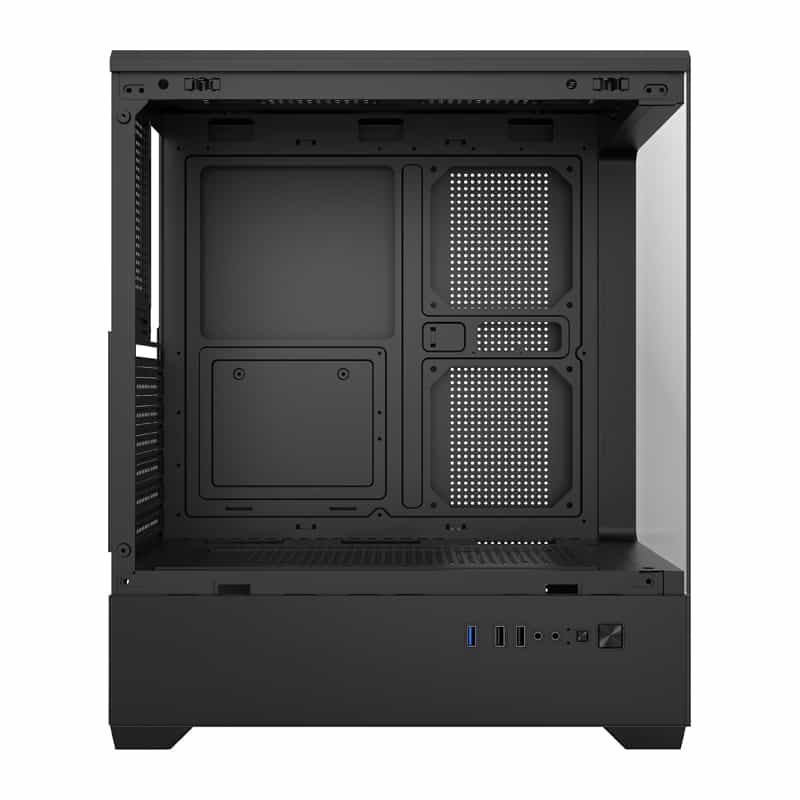
Power Supply ShroudA dedicated lower basement shroud neatly isolates modular cabling and preserves clean airflow across the main motherboard chamber.
Frequently Asked Questions
Are cooling fans included with the PC case?
Inclusion varies by model. Many cases come pre-equipped with 1 to 4 factory fans (frequently ARGB-lit). High-end enthusiast chassis often ship without fans, allowing builders to select their preferred static pressure fans and noise profiles. Refer to the product specification for exact package contents.
What is the difference between mesh and tempered glass front panels?
A mesh front provides direct intake airflow, reducing CPU and GPU temperatures under sustained gaming loads. Glass front panels provide a showcase look and dampen motor whine, but depend on perimeter intake vents for air delivery.
Will the front-panel USB Type-C port work with every motherboard?
Front Type-C connectivity requires an internal USB 3.2 Gen 2 (Type-E) header on your motherboard. If your motherboard lacks this header, an internal adapter or a PCIe expansion card is required to activate the front port.
How do I achieve the quietest possible operation?
Select cases supporting 140mm fans over 120mm fans; larger impellers move equivalent air volumes at lower RPMs. Look for rubber decoupling grommets at mounting screw locations and configure motherboard PWM fan curves to idle below audible thresholds.