Graphics Tablets
Graphics Tablet Buyer's Guide: Pen Displays, Pen Tablets, and Pressure Sensitivity
A graphics tablet translates hand movements and pen pressure into precise digital strokes for photo editing, 3D sculpting, and digital illustration. Key selection criteria include the form factor (interactive pen display vs. traditional pen tablet), battery-free EMR stylus technology, and broad operating system support.
Read Buyer's GuideShow less
Core Tablet Types & Form Factors
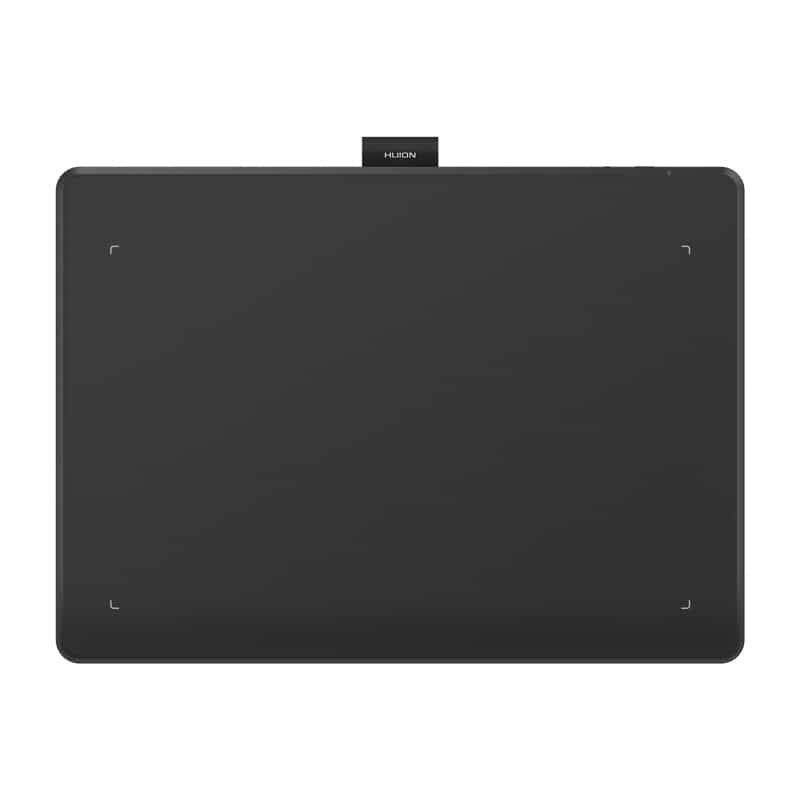
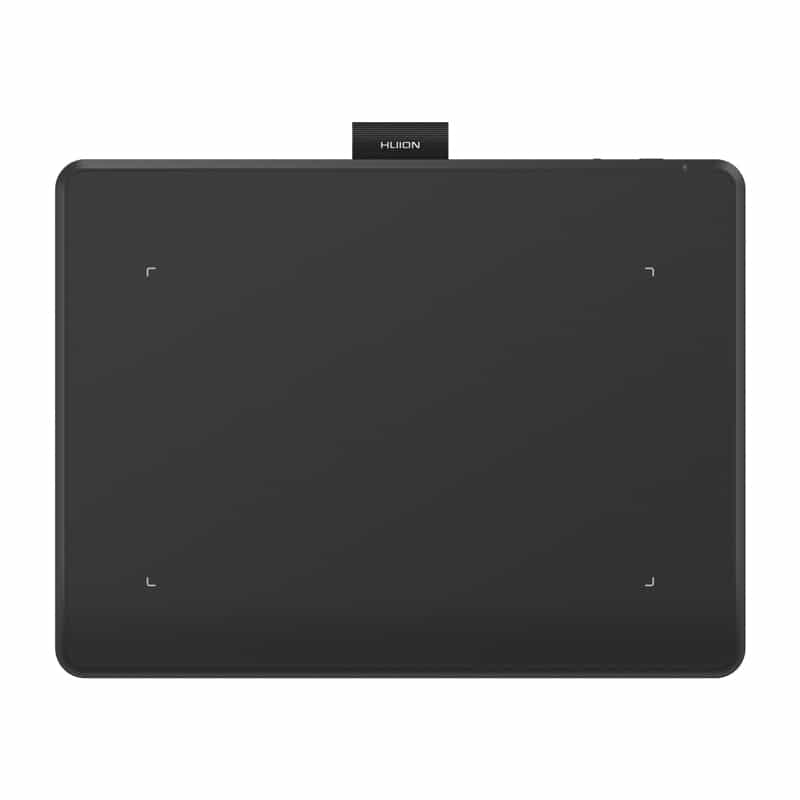
Traditional Pen Tablet (Screenless)A flat input surface where hand movements translate to a separate desktop monitor. Encourages healthy upright posture, highly durable, lightweight, and easily portable.
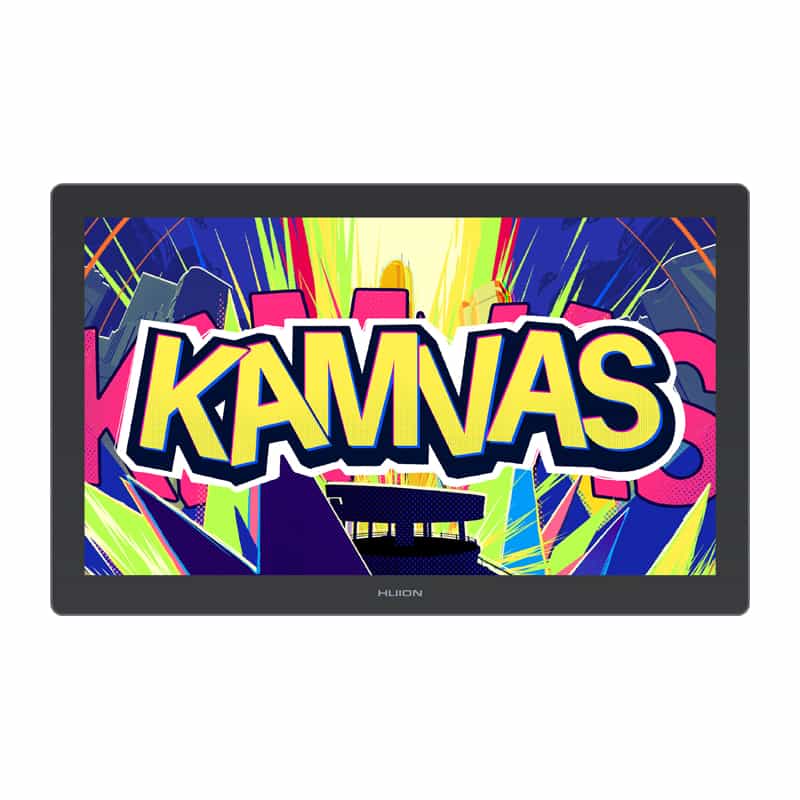
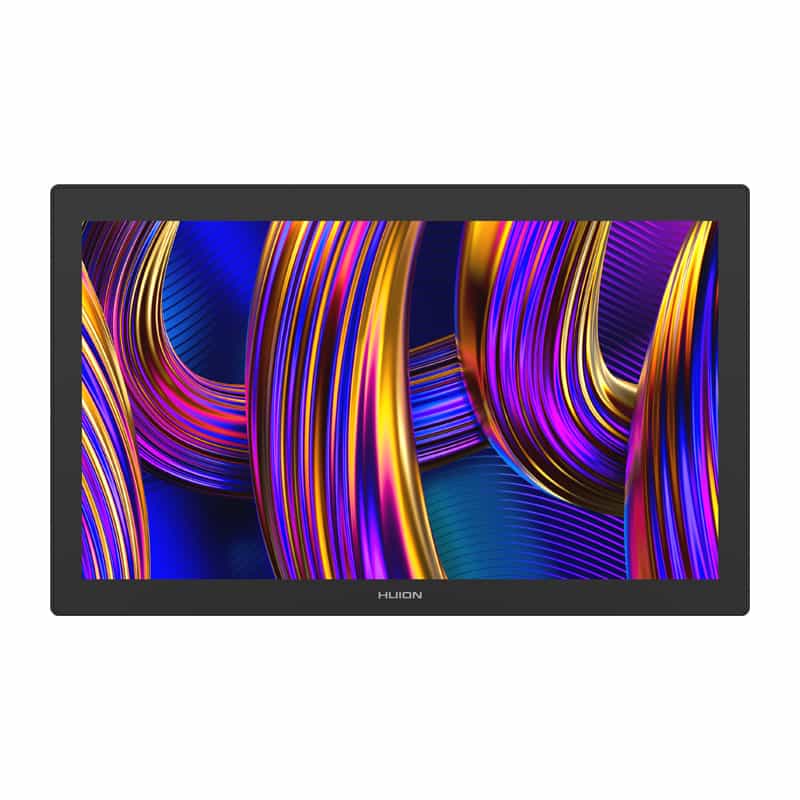
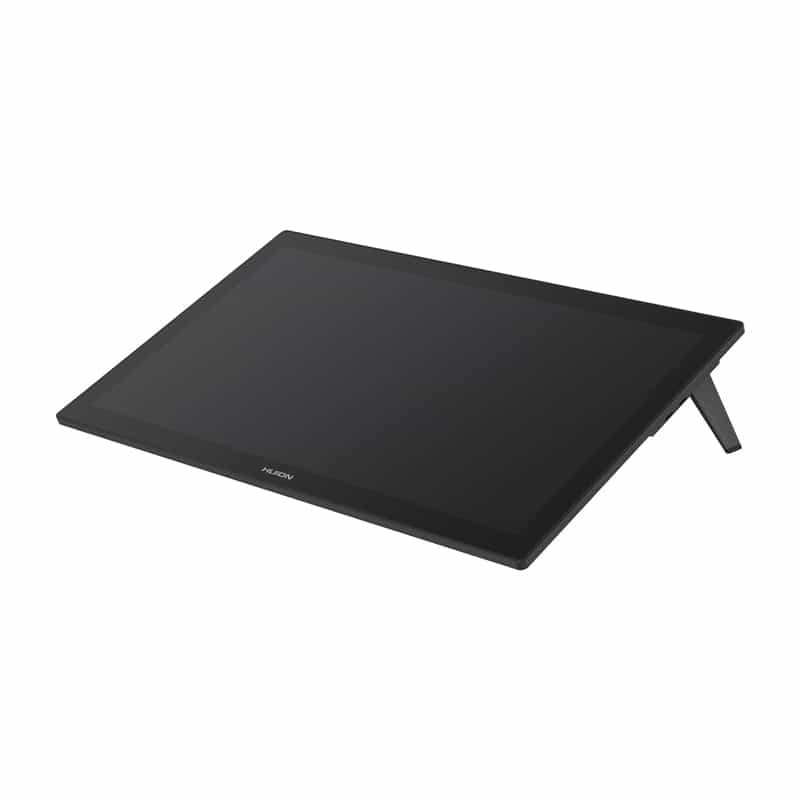
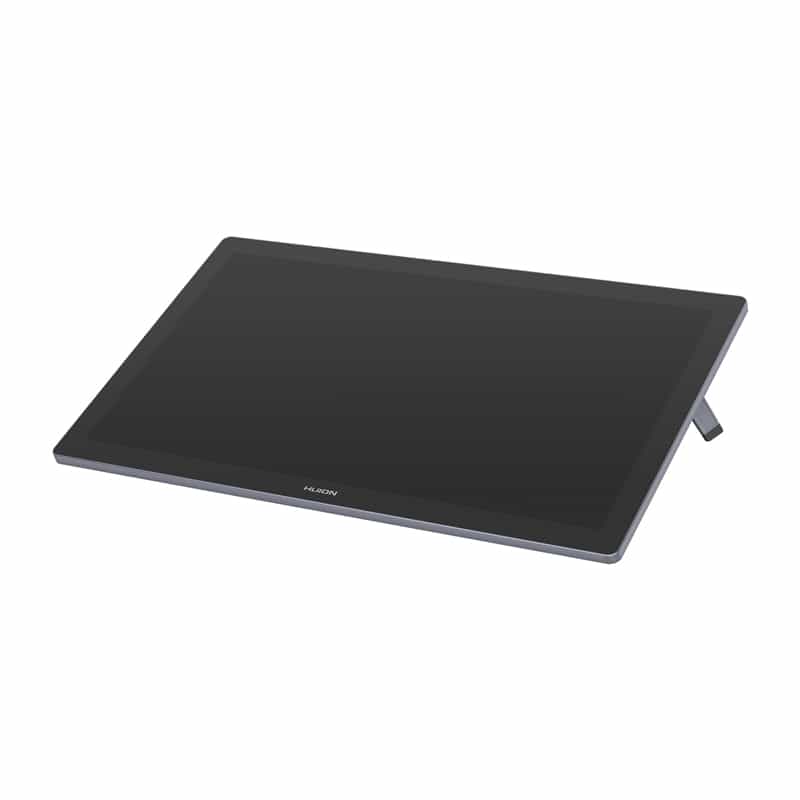
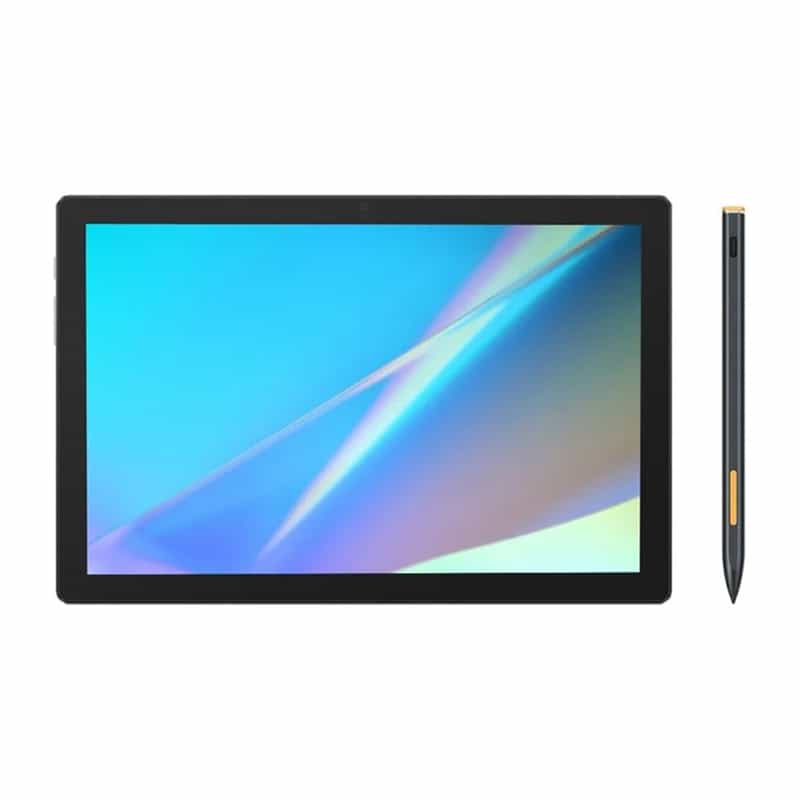
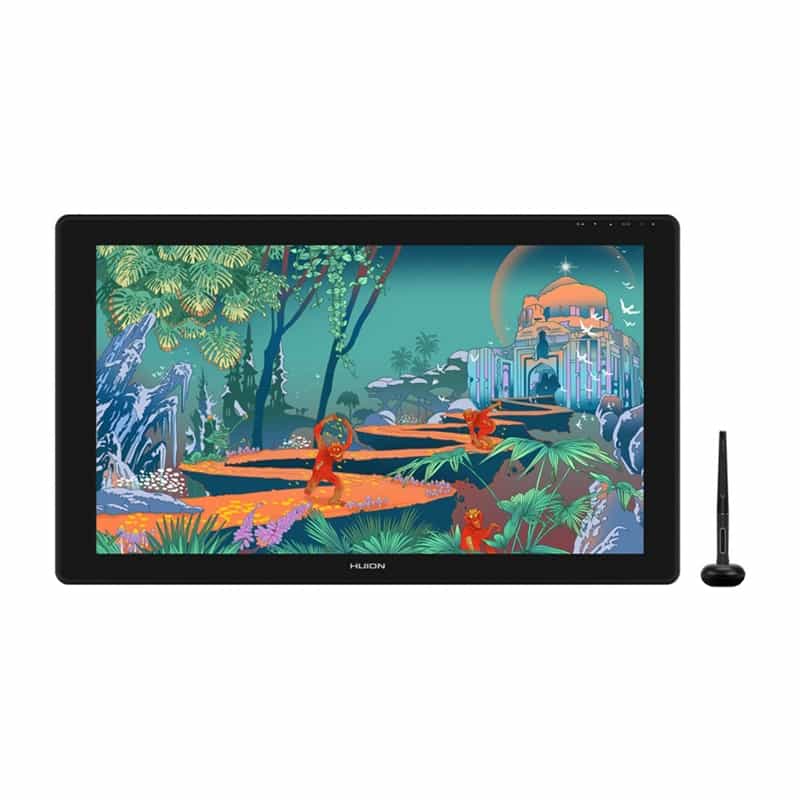
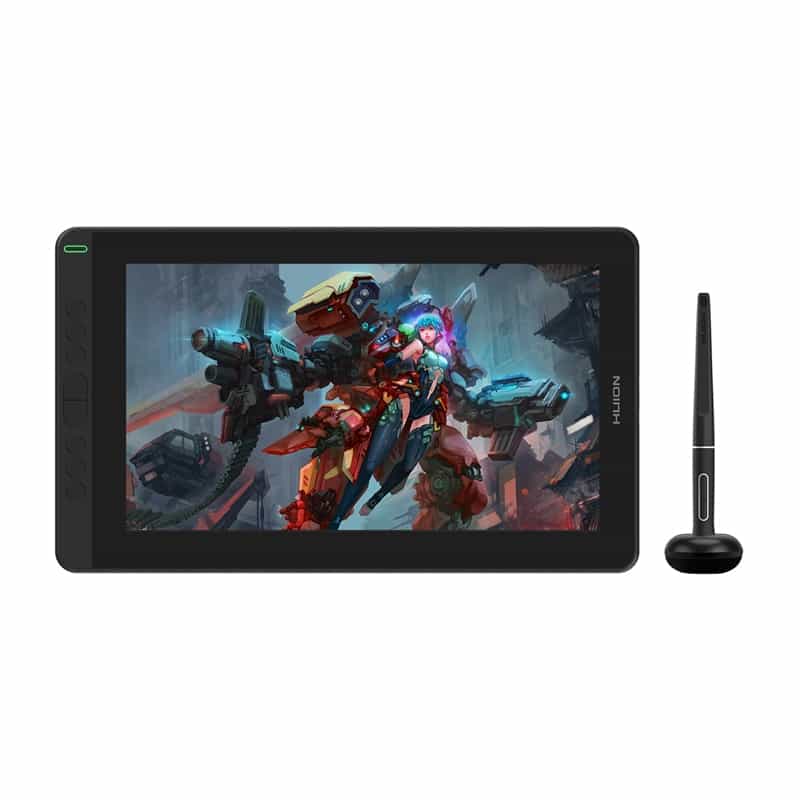
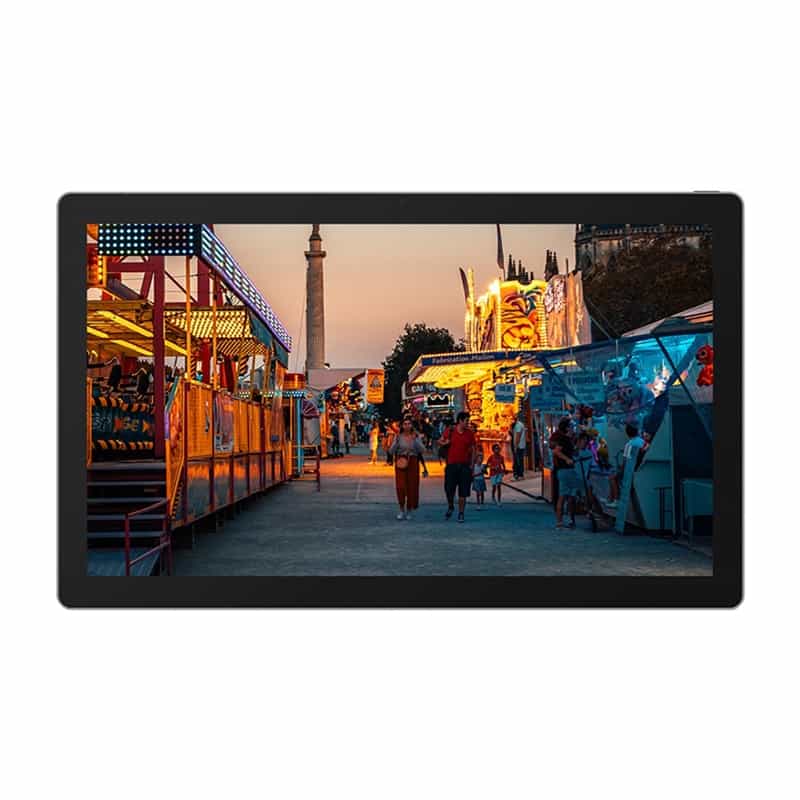
Interactive Pen DisplayA tablet with a built-in IPS display (FHD, QHD, or 4K) allowing direct drawing on the screen, replicating natural pen-on-paper eye-hand coordination.
Fully Laminated Display PanelEliminates the air gap between the etched glass and LCD panel. Drastically reduces parallax error, aligning the cursor directly under the stylus tip.
Active Area DimensionsSmall (approx. 6×4″) is ultra-portable for photo retouching and compact desks; Medium/Large (10×6″ or 13–24″ displays) offers broad arm gesture space for drawing and painting.
Stylus Specs & Sensor Technology
Battery-Free EMR TechnologyThe stylus operates without batteries or recharging cables, drawing inductive power wirelessly from the electromagnetic sensor grid inside the tablet.
Pressure Sensitivity (8192 Levels)Delivers granular control over line thickness and opacity, transitioning smoothly from delicate hairline sketches to bold, solid strokes.
Tilt Recognition (±60° Tilt)Tracks the angle of the pen against the drawing surface, unlocking realistic shading effects with virtual pencils and airbrushes.
Coordinate Resolution & Report Rate (5080 LPI & 200+ PPS)High line density and rapid polling frequency ensure jagged-free tracking even during rapid, gestural sketching.
Connectivity, Ergonomics & Compatibility
Anti-Glare Etched Glass SurfaceChemically etched glass introduces authentic paper-like tactile friction while diffusing harsh ambient reflections without disposable films.
Single-Cable USB-C SetupModern pen displays support full-featured USB-C (DisplayPort Alt Mode), delivering video, data, and power over a single clean cable.
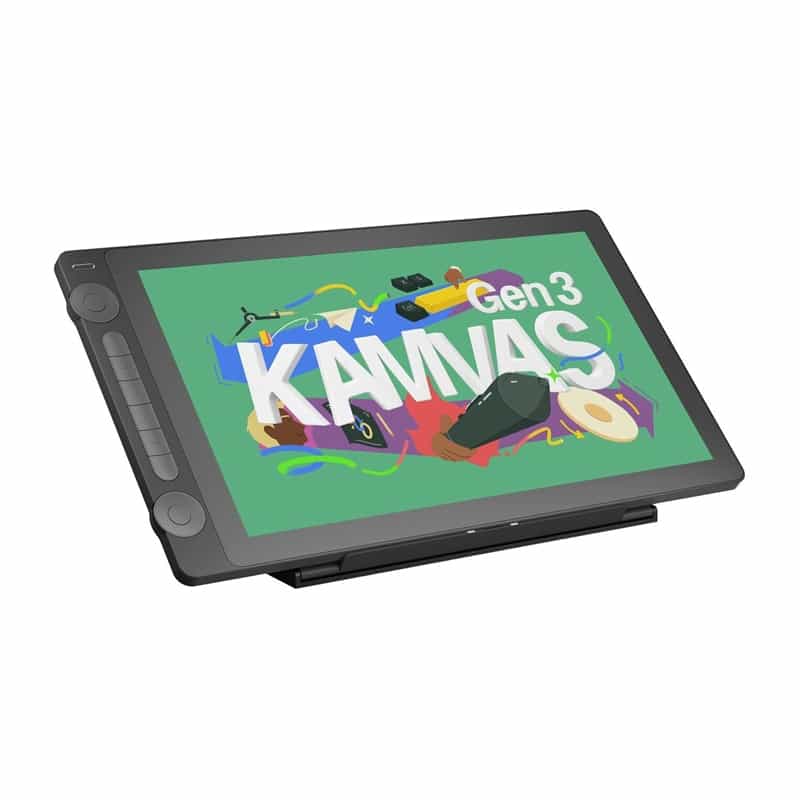
Customizable Shortcut Keys & DialsProgrammable express keys and touch rings allow instant zooming, canvas rotation, and brush resizing without reaching for the keyboard.
Cross-Platform Driver CompatibilitySeamless driver support across Windows, macOS, Linux, and Android devices for creative suites like Photoshop, Blender, Krita, and Clip Studio Paint.
Frequently Asked Questions
What is the difference between a pen tablet and an interactive pen display?
On a traditional screenless pen tablet, your hand moves on a matte desk pad while your eyes look ahead at your computer monitor. A pen display incorporates a color-accurate monitor so you draw directly on top of your artwork. Pen displays offer immediate intuitive precision, while pen tablets are more affordable, portable, and ergonomically beneficial for long sessions.
Does the stylus need charging, and how often do pen nibs wear out?
Modern professional styluses (such as Huion) use passive EMR technology and never require charging or batteries. The replaceable plastic nibs gradually wear down from friction over 6 to 12 months depending on drawing pressure. Tablets ship with 5 to 10 replacement nibs and an extraction tool.
What is parallax on a pen display and why is screen lamination important?
Parallax is the visual gap between where the pen tip touches the glass and where the digital stroke appears on the underlying display. In fully laminated screens, the glass, digitizer, and LCD panel are bonded into a single layer with no air gap, ensuring the cursor stays positioned exactly beneath the nib at all viewing angles.
Can I connect a graphics tablet to an Android smartphone or tablet?
Yes, most contemporary graphics tablets and pen displays support direct connection to Android devices via USB-C or OTG adapters. This lets you sketch and edit on mobile applications (like ibis Paint X, MediBang, or Sketchbook) on the go without a PC.